Authentication
Zango provides comprehensive authentication and authorization capabilities at both the application level and user role level. Configure login methods, password policies, session management, and role-based access control from the core platform.
Authentication Settings Overview
Access the Authentication Settings page to manage all authentication configurations for your application.
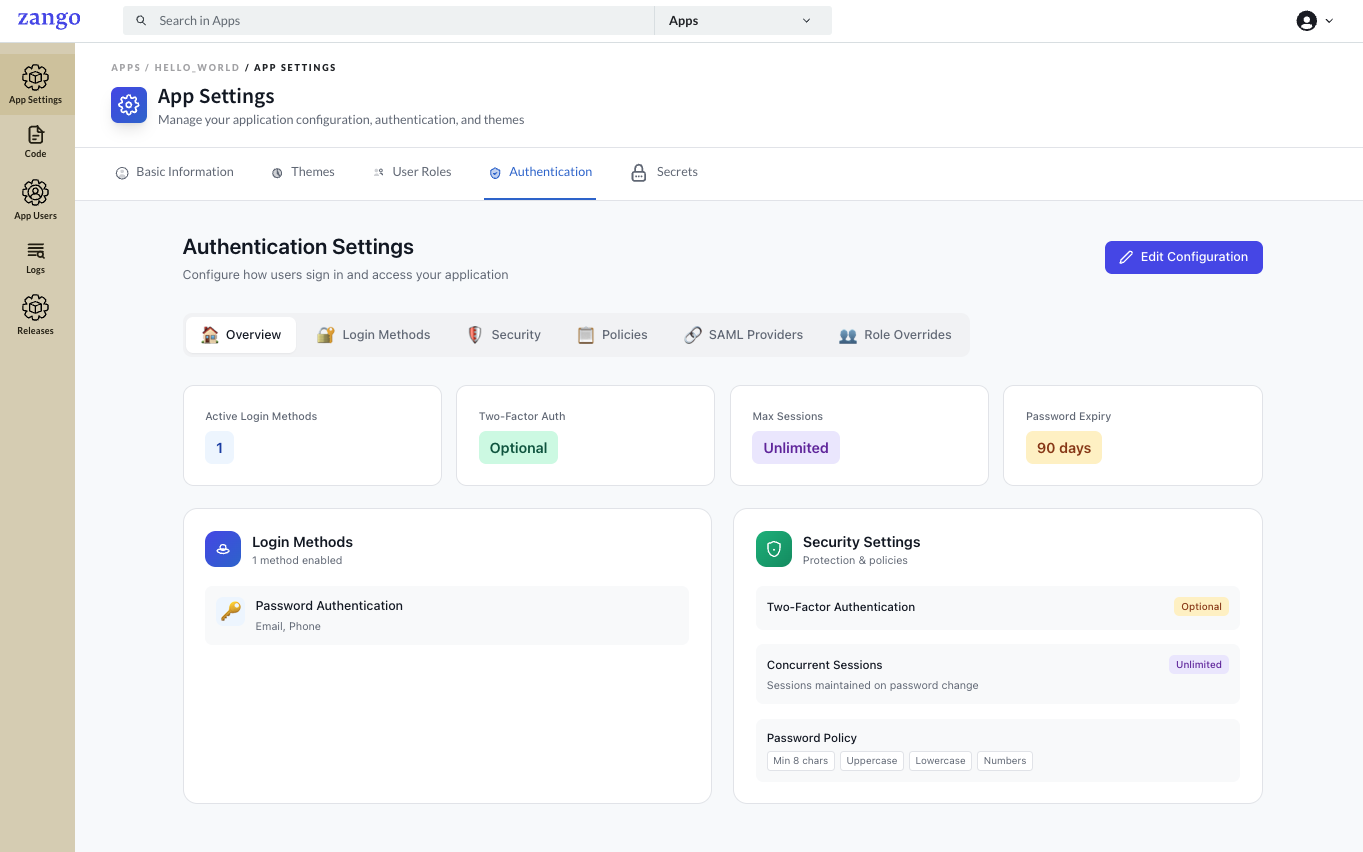
The Authentication Settings page provides a centralized interface for:
- Configuring login methods and providers
- Setting password policies
- Managing session and security settings
- Configuring role-level access controls
Login Methods Configuration
Choosing Login Methods
Select which authentication methods your application supports. Zango offers multiple login methods to accommodate different security and user experience requirements.
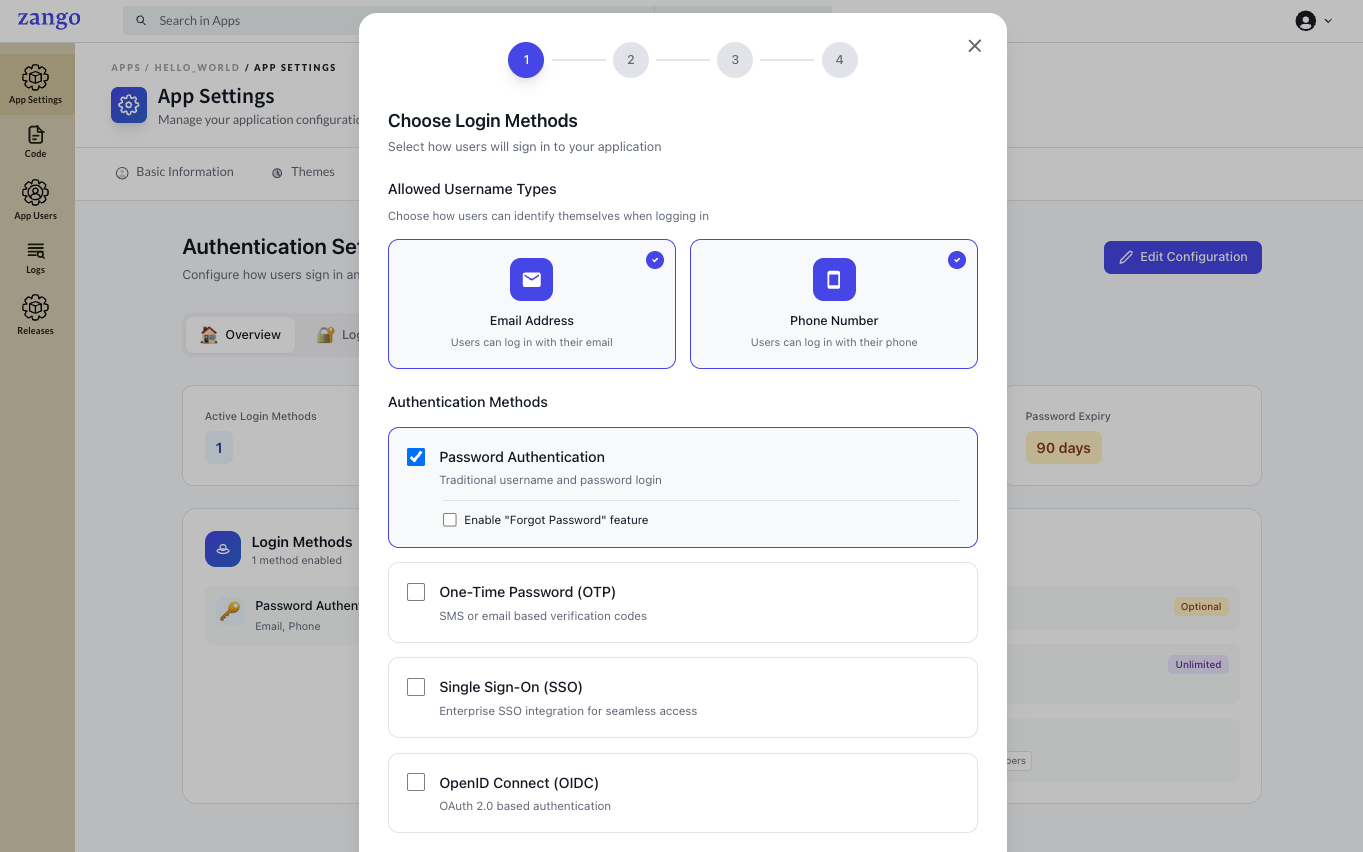
Available login methods include:
| Login Method | Description |
|---|---|
| Username/Password Authentication | Traditional credential-based login |
| OTP Based Login | Login via email/mobile number credentials and a OTP based system |
| Enterprise Authentication | SAML 2.0, OAuth 2.0, and other enterprise SSO options |
| Multi-factor Authentication (MFA) | Enhanced security with additional verification steps |
Configuring Login Settings
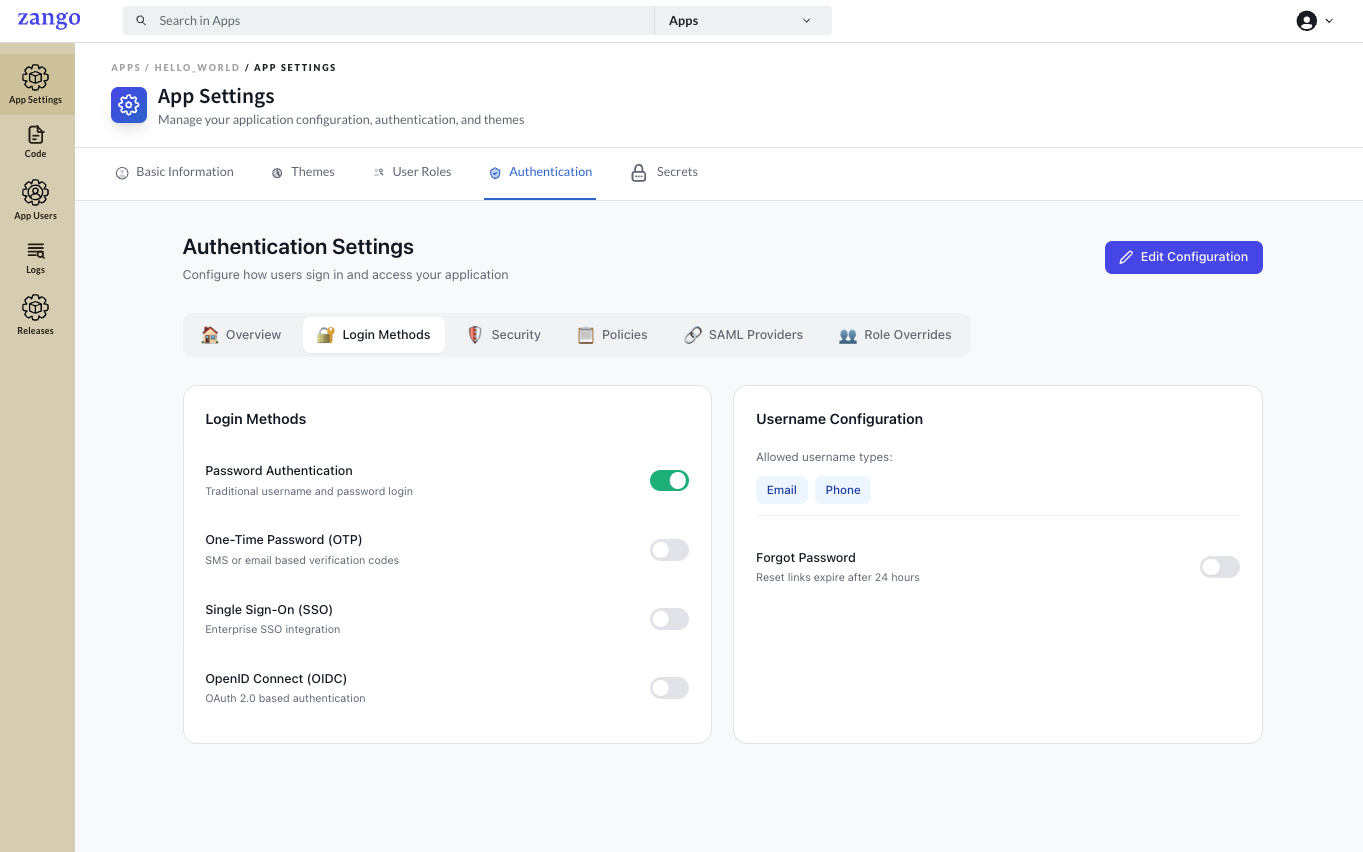
Configure login behavior such as:
- Session duration and timeout
- Remember me functionality
- Account lockout policies
- Concurrent session limits
- Login attempt throttling
Password Policy
Setting Password Requirements
Define password security requirements for your application users.
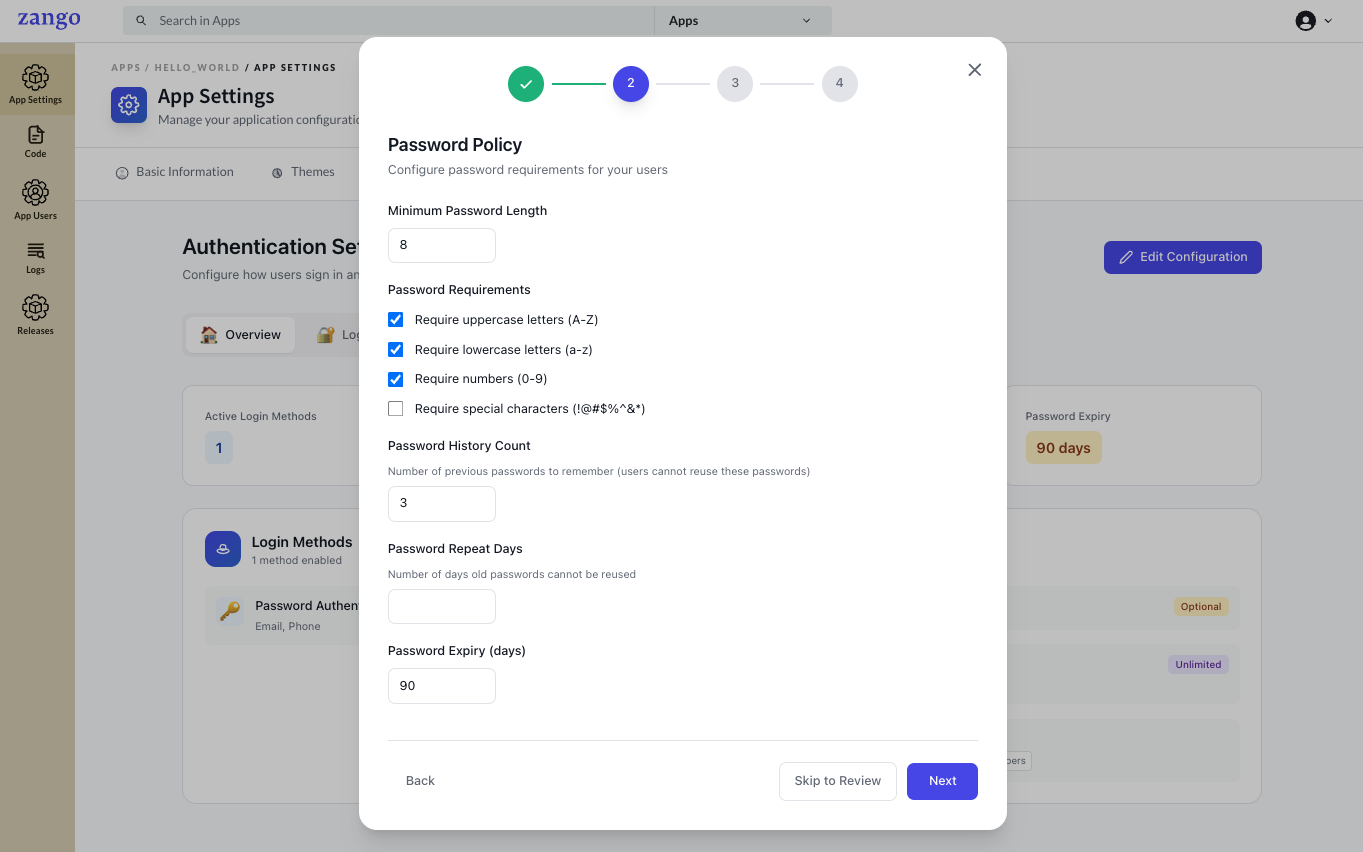
Password policy settings allow you to enforce:
| Setting | Description |
|---|---|
| Minimum Password Length | Set the minimum number of characters required |
| Complexity Requirements | Require uppercase, lowercase, numbers, and special characters |
| Password Expiration | Define how often users must change passwords |
| Password History | Prevent reuse of recent passwords |
| Special Character Requirements | Enforce use of symbols and special characters |
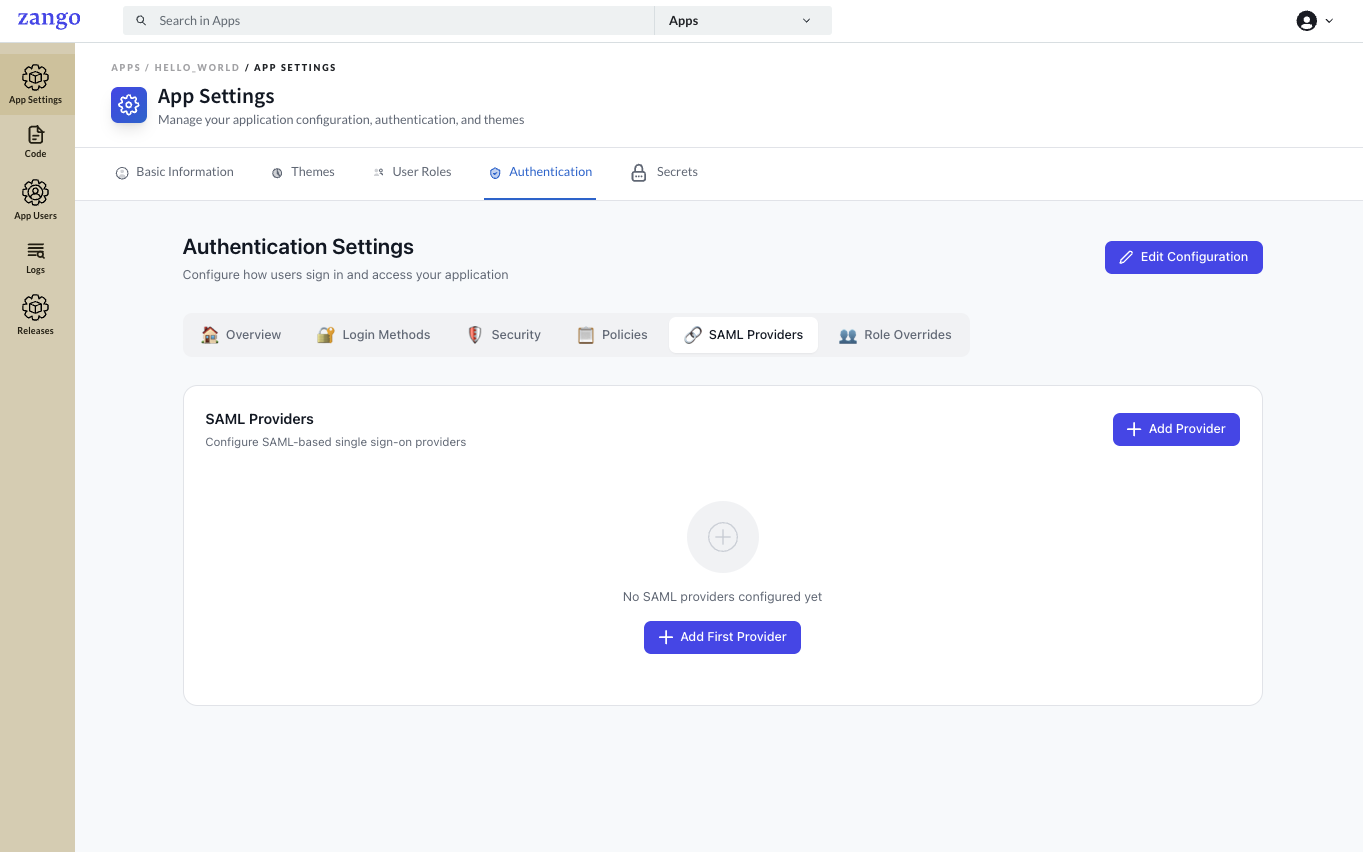
SAML Configuration
Configure SAML authentication for your application.
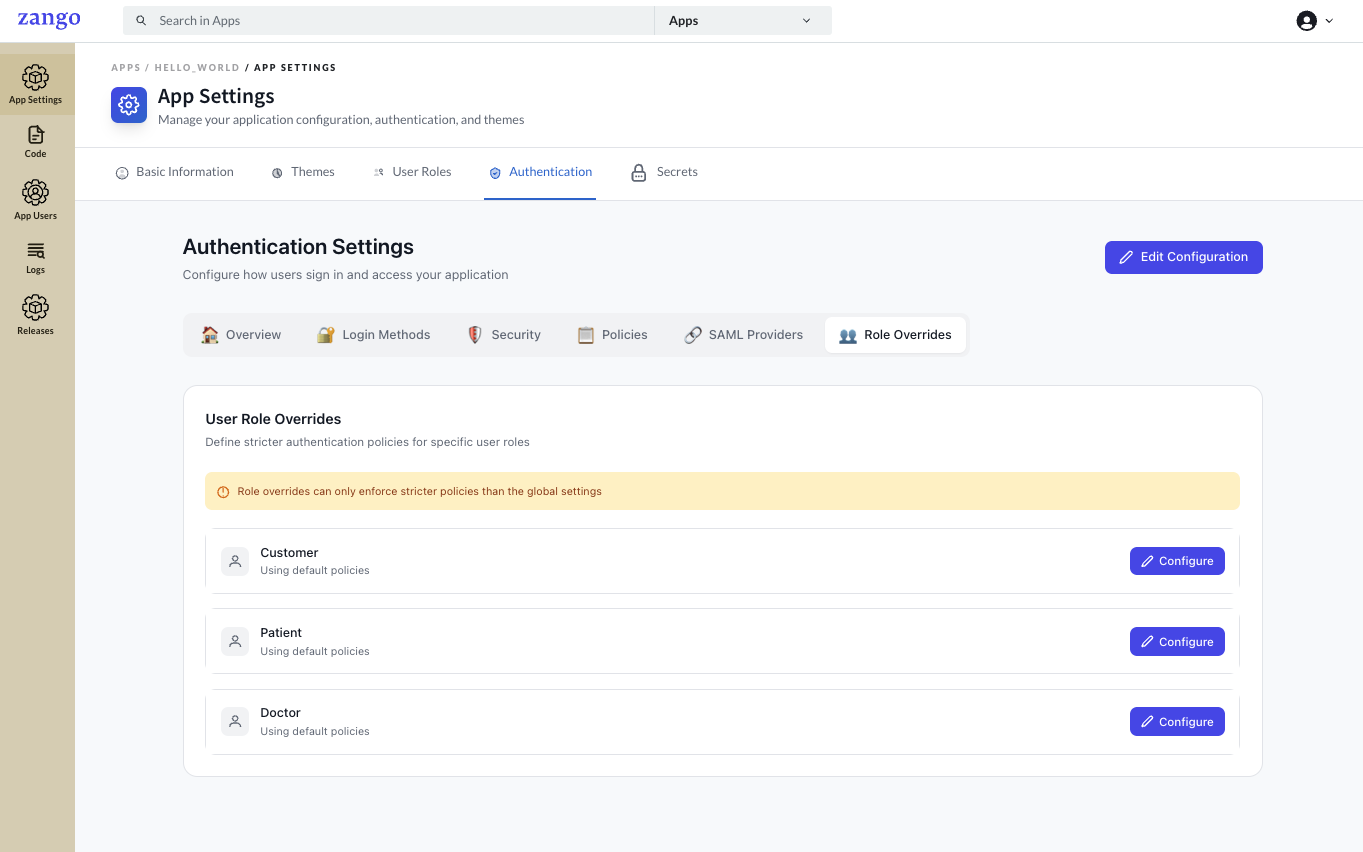
User Role Overrides
Override authentication settings for specific user roles when needed.
- Apply custom auth rules per role
- Exempt or enforce settings for selected roles
- Handle special access requirements without changing global defaults